
Download RecallVault
Add RecallVault to your phone Home Screen and save links, videos, posts, ideas and files faster from iPhone or Android.
Scan with your phone
Scan the iPhone or Android QR code with your phone camera. Desktop users can continue using RecallVault in the browser — no desktop download needed.
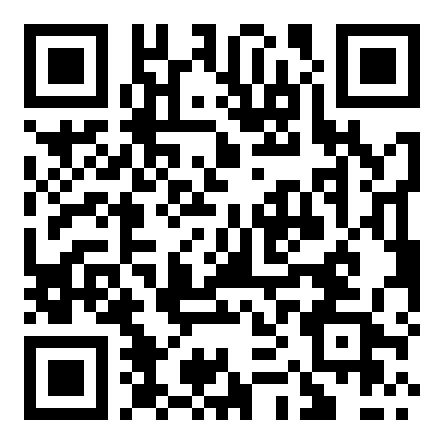
Scan to open the iPhone setup guide.
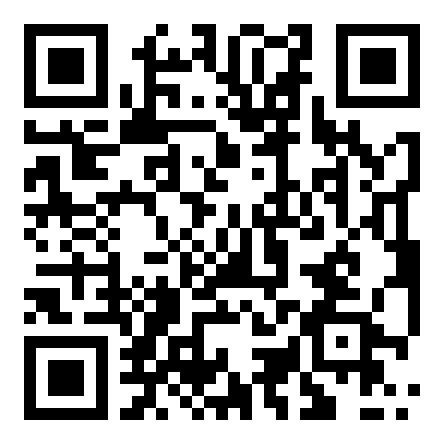
Scan to open the Android setup guide.
Install RecallVault on iPhone
Add the app icon to your Home Screen.
- 1
Open RecallVault in Safari
Use Safari on iPhone, then go to recallvault.co.uk.
- 2
Tap Share
Tap the iPhone Share button in Safari.
- 3
Tap Add to Home Screen
Scroll down if needed. Tap Add to Home Screen.
- 4
Tap Add
RecallVault will appear like an app icon on your Home Screen.
- 5
Open from Home Screen
Open RecallVault from the new Home Screen icon, then login with Google.
Secure iPhone Shortcut
Save links without Safari opening.
- 1
Login to RecallVault
Open Settings inside RecallVault.
- 2
Create iPhone Shortcut token
Create a secure write-only token. The token is shown once.
- 3
Install Shortcut
Tap the button below and paste your token during setup.
- 4
Share any link
From Safari, Instagram, YouTube or another app, tap Share → RecallVault.
What you can save
Links
Save websites, articles and product pages.
Videos
Save YouTube, TikTok and other video links.
AI details
AI summaries and tags update after saving.